
Tag Archives: event ID 129

Windows Server Slow Performance: A Practical Diagnostic Checklist

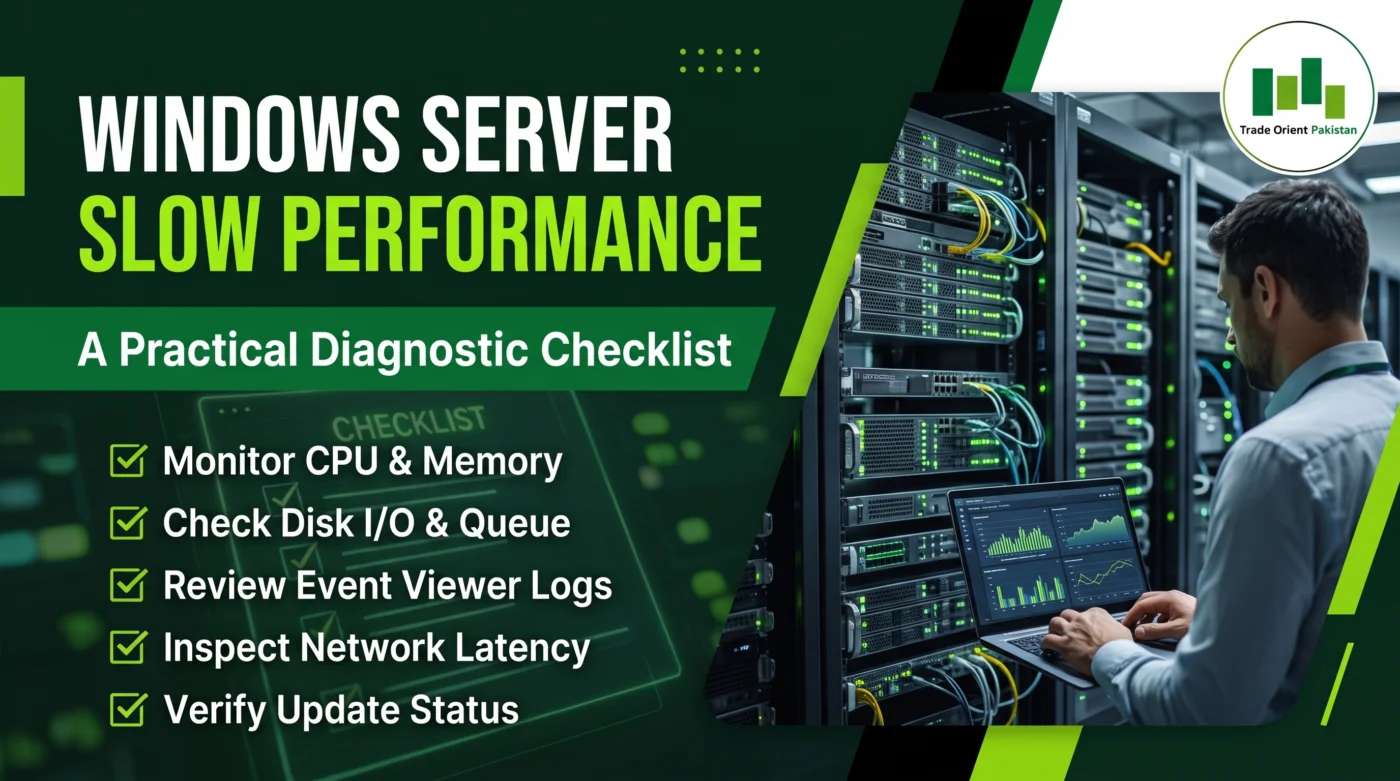
Promotional graphic titled 'Windows Server Slow Performance: A Practical Diagnostic Checklist' featuring an IT professional analyzing laptop data in a server room. The checklist includes monitoring CPU and memory, checking disk I/O and queue, reviewing Event Viewer logs, inspecting network latency, and verifying update status, with the Trade Orient Pakistan logo in the top right.

Dealing with Windows Server slow performance can severely disrupt your daily business operations. Therefore, IT teams need a reliable way to find the root cause quickly. How to Diagnose Windows Server Slow Performance Initially, you must isolate the bottleneck across four core subsystems. First, check your CPU load. Subsequently, inspect the system for memory exhaustion. […]